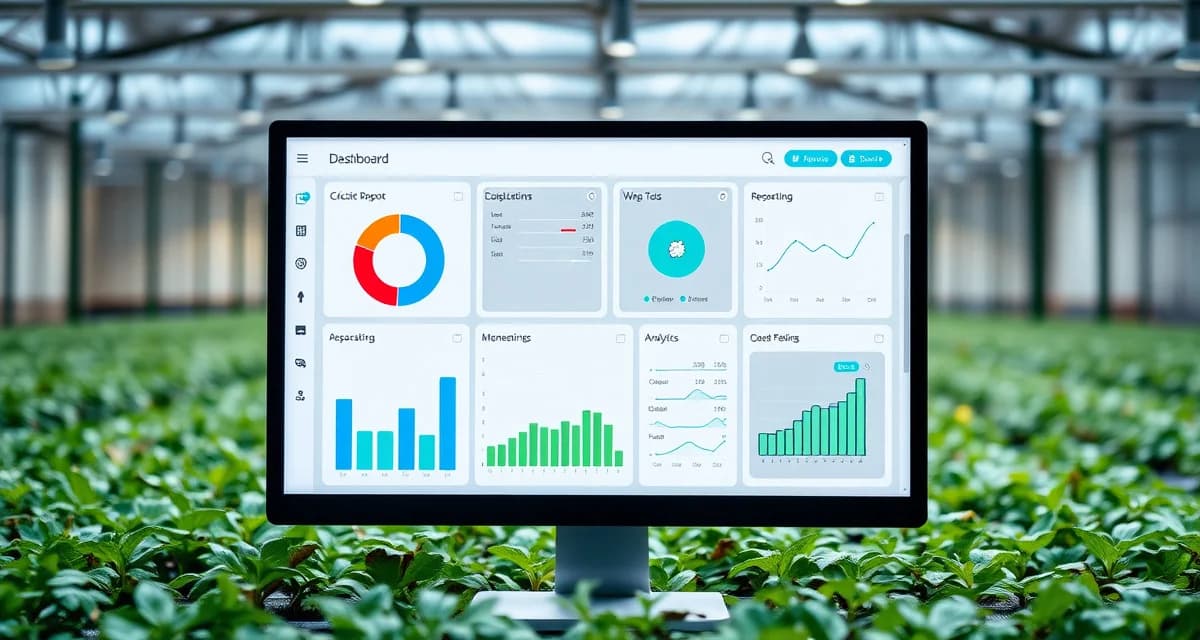
Custom Reporting in CricketOps: Building Reports for Your Specific Needs
CricketOps custom reports reduce monthly administrative reporting time by an average of 3.5 hours per farm. That time is currently going toward manually compiling spreadsheet data, formatting tables, and re-doing the same calculation in slightly different ways for different recipients. Custom reports automate the recurring version.
This guide covers how to build custom reports in CricketOps for the three main use cases: buyer-specific documentation, investor reporting, and regulatory compliance.
TL;DR
- CricketOps custom reports reduce monthly administrative reporting time by an average of 3.5 hours per farm.
- Investor quarterly summary: Production performance dashboard (FCR, die-off, revenue per bin) for the trailing 12 months.
- Export as PDF formatted for inspector review.
- Yes, at the Enterprise tier.
- At 5-10 bins, problems are manageable.
- For recurring reports (monthly buyer updates, quarterly investor summaries), save the report configuration with a relative date range (e.g., "prior 30 days") so you can regenerate it without reconfiguring.
- FCR by batch (6-month rolling), die-off rate by month, harvest yield summary.
- This replaces the manual compilation that takes 2-3 hours for most operations.
- Production performance dashboard (FCR, die-off, revenue per bin) for the trailing 12 months.
Investor quarterly summary: Production performance dashboard (FCR, die-off, revenue per bin) for the trailing 12 months.
- Export as PDF formatted for inspector review.
Buyer qualification package: 6+ months of FCR history, hatch rate trend, COA testing summary by batch.
- Add FCR as your primary metric and set the dimension to "By bin" and "By harvest date." Set your date range to the past 12 months.
- The first setup takes about 10 minutes; subsequent regenerations take one click.
Does CricketOps support branded report exports for buyer presentations?
Yes, at the Enterprise tier.
- At 5-10 bins, problems are manageable.
Buyer qualification package: 6+ months of FCR history, hatch rate trend, COA testing summary by batch.
- Add FCR as your primary metric and set the dimension to "By bin" and "By harvest date." Set your date range to the past 12 months.
- The first setup takes about 10 minutes; subsequent regenerations take one click.
Does CricketOps support branded report exports for buyer presentations?
Yes, at the Enterprise tier.
- That time is currently going toward manually compiling spreadsheet data, formatting tables, and re-doing the same calculation in slightly different ways for different recipients.
- Combined into a single document with a summary cover page.
- You can combine multiple data domains in a single report, set flexible date ranges, filter by species, zone, or batch characteristics, and export in PDF or CSV format.
Why Standard Reports Don't Cover Every Need
CricketOps includes standard production reports that cover most common needs: FCR summary, die-off rate history, harvest yield by period, and compliance record export. These work for the typical documentation request.
The gaps appear when:
- A food manufacturer buyer requires data in a specific format that differs from the standard CricketOps export
- An investor wants a custom metric you've defined (revenue per bin per week, cost per pound by feed type)
- A regulatory inspector requests environmental monitoring records organized by date range and control point, not by bin
- You want a weekly operational summary that includes only the specific KPIs you track in your management reviews
Custom reporting lets you build the specific view once and regenerate it on demand without manual manipulation.
Building a Custom Report: Step by Step
In CricketOps, navigate to Reports > Custom Reports > New Report.
Step 1: Define your data source
Choose the primary data domain your report draws from:
- Bin lifecycle data: Batch-level records (hatch date, species, FCR, yield, die-off rate)
- Environmental data: Temperature and humidity logs by zone and date range
- Feed and input data: Feed events by type, weight, and date
- Compliance records: Monitoring logs, corrective actions, supplier qualification records
You can combine data from multiple domains in a single report by joining on bin ID or date range.
Step 2: Select metrics and dimensions
Choose which metrics to include (FCR, die-off rate, harvest yield, temperature average, etc.) and which dimensions to break them down by (by species, by zone, by week, by bin size, by feed type).
A few commonly useful custom dimension combinations:
- FCR by species (to compare production efficiency across Acheta and Gryllus batches)
- Die-off rate by life stage (to isolate whether losses are concentrated in pinhead, juvenile, or adult stages)
- Energy cost per pound by zone (to identify which zones have the highest heating efficiency)
- Revenue per bin by batch date (to see whether productivity is improving over time)
Step 3: Set date range and filters
Set the date range your report covers. For recurring reports (monthly buyer updates, quarterly investor summaries), save the report configuration with a relative date range (e.g., "prior 30 days") so you can regenerate it without reconfiguring.
Add filters to narrow your dataset: specific species only, specific zones, bins above a minimum stocking count, batches with a completed harvest (for FCR reports).
Step 4: Choose output format
CricketOps exports custom reports as:
- PDF: Formatted for direct sharing with buyers and investors; includes your operation's name and logo
- CSV: For importing into Excel or ERP systems; useful when the recipient has their own formatting requirements
- Branded report: Enterprise tier option that exports with your company branding applied
Step 5: Save and schedule
Save your custom report configuration so you can regenerate it without rebuilding. For recurring reports, set a schedule (weekly, monthly) to generate and optionally email the report automatically.
Common Custom Report Use Cases
Monthly food manufacturer update: FCR by batch (6-month rolling), die-off rate by month, harvest yield summary. Export as branded PDF. This replaces the manual compilation that takes 2-3 hours for most operations.
Investor quarterly summary: Production performance dashboard (FCR, die-off, revenue per bin) for the trailing 12 months. Energy cost per pound trend. Compliance record status. Export as PDF appendix for board pack.
FDA inspection readiness: Environmental monitoring records (temperature and humidity by zone, 90-day window), critical control point monitoring records, corrective action records for the same period. Export as PDF formatted for inspector review.
Buyer qualification package: 6+ months of FCR history, hatch rate trend, COA testing summary by batch. Combined into a single document with a summary cover page.
See the CricketOps Enterprise plan review for full custom reporting feature details, and the CricketOps platform overview for context on how reporting fits into the broader system.
Frequently Asked Questions
What reports can I build in CricketOps?
Custom reports in CricketOps can draw from any data in your account: bin lifecycle records (FCR, die-off rate, yield, hatch rate), environmental monitoring logs (temperature and humidity by zone), feed and input records, and compliance documentation. You can combine multiple data domains in a single report, set flexible date ranges, filter by species, zone, or batch characteristics, and export in PDF or CSV format. The most common custom reports are monthly buyer documentation updates, quarterly investor performance summaries, and FDA inspection-ready compliance record packages.
How do I create a custom FCR report by bin for my investor?
In CricketOps, go to Reports > Custom Reports > New Report. Select "Bin lifecycle data" as your data source. Add FCR as your primary metric and set the dimension to "By bin" and "By harvest date." Set your date range to the past 12 months. Apply a filter for "Completed harvest only" so only batches with actual harvest data appear. Add secondary metrics (yield, die-off rate) for context. Save the report configuration with a name and schedule it for monthly regeneration. Export as PDF for your investor's quarterly pack. The first setup takes about 10 minutes; subsequent regenerations take one click.
Does CricketOps support branded report exports for buyer presentations?
Yes, at the Enterprise tier. Branded report exports apply your company name, logo, and contact information to the report cover page and header, making them suitable for direct delivery to buyers and investors as professional documentation. At the Professional tier, reports export with CricketOps standard formatting (clean and readable, but not custom branded). If you're actively qualifying with food manufacturer buyers who do supplier audits, the branded export option presents your documentation more professionally and signals operational seriousness.
How does CricketOps help track the metrics described in this article?
CricketOps provides bin-level logging for the variables that drive production outcomes -- feed inputs, environmental conditions, mortality events, and harvest results. Rather than maintaining these records in separate spreadsheets, you can view performance trends across bins and over time to identify which operational variables correlate with better outcomes in your specific facility.
Where can I find industry benchmarks to compare my operation's performance?
The North American Coalition for Insect Agriculture (NACIA) publishes periodic industry reports with production benchmarks. University extension programs in agricultural states, including the University of Georgia and University of Florida IFAS, occasionally publish insect farming production data. Industry conferences hosted by the Entomological Society of America and the Insects to Feed the World symposium series are additional sources of peer benchmarking data.
What is the biggest operational mistake cricket farmers make in their first year?
Expanding bin count before achieving consistent FCR and mortality targets in existing bins is the most common and costly first-year mistake. At 5-10 bins, problems are manageable. At 30-50 bins, the same proportional problems represent much larger financial losses. Most experienced cricket farmers recommend holding expansion until you have three consecutive production cycles hitting your FCR and mortality targets.
Sources
- Food and Agriculture Organization of the United Nations (FAO) -- Edible Insects: Future Prospects for Food and Feed Security
- North American Coalition for Insect Agriculture (NACIA)
- Entomological Society of America
- University of Georgia Cooperative Extension
- Journal of Insects as Food and Feed (Wageningen Academic Publishers)
Get Started with CricketOps
The practices covered in this article are easier to apply consistently when they are supported by organized production data. CricketOps gives cricket farmers the tools to track what matters -- by bin, by batch, and over time. Start your next production cycle in CricketOps and see how organized data changes the way you manage your operation.